Key Takeaways
Introduction
A data subject access request arrives through customer support. The privacy team logs it, asks engineering for an export and contacts HR about records held elsewhere. One team replies in a ticket. Another sends a spreadsheet. A third needs another reminder.
By the time the material is ready for review, much of the response window has gone into coordination.
For teams handling high request volumes or fragmented internal ownership, this is a practical reason to automate. Collection, follow-ups and status updates consume time that privacy professionals need for assessing the response itself.
In our article on why DSR automation is the backbone of scalable privacy operations, we explored how connected workflows reduce that burden. The next question is where to place the boundaries.
How can a team handle more requests while remaining able to explain and justify each response?
What is DSAR automation?
DSAR automation uses software to carry out repeatable steps in responding to a data subject access request, including intake, collection, coordination and delivery. It can combine predefined workflow rules, integrations and AI assistance, with people responsible for the decisions and exceptions that require judgement.
A DSAR specifically concerns access to personal data. The broader term DSR also covers requests such as erasure and rectification. These rights may share workflow infrastructure, but their decision rules differ.
The legal examples below focus on the EU GDPR. Organisations operating across jurisdictions should configure their workflows around the requirements that apply to each request.
What makes a DSAR response defensible?
A defensible DSAR response is one the organisation can explain and support with evidence. That includes how it established the scope, searched for information, reviewed the results and delivered its response.
Consider an audit six months after a request closes. A completion date tells the reviewer when the case ended. A useful case record also explains which repositories were checked, what an unsuccessful search meant and why particular information was withheld.
This is a practical design standard for the workflow. It helps the team answer challenges without relying on someone remembering the details.
The distinction matters when connecting systems. An integration may return no records because there are no matching records. It may also return nothing because authentication failed, a search used the wrong identifier or an export was incomplete. Those outcomes need different treatment.
Automation should make those differences visible and assign unresolved issues to someone who can investigate them.
Which DSAR steps should you automate?
Start with work that follows clear rules, produces verifiable results and has a defined exception path.
Request logging and initial coordination
Bring requests received through supported channels into a central case record. Capture the original message, receipt date, request type and responsible owner. Generate acknowledgements from approved templates and flag missing information.
Make sure staff can also register requests received outside the main intake route. A convenient portal should support the process without becoming a barrier to recognising a request.
Potential duplicates should remain visible for assessment, particularly where a later message changes or expands the request.
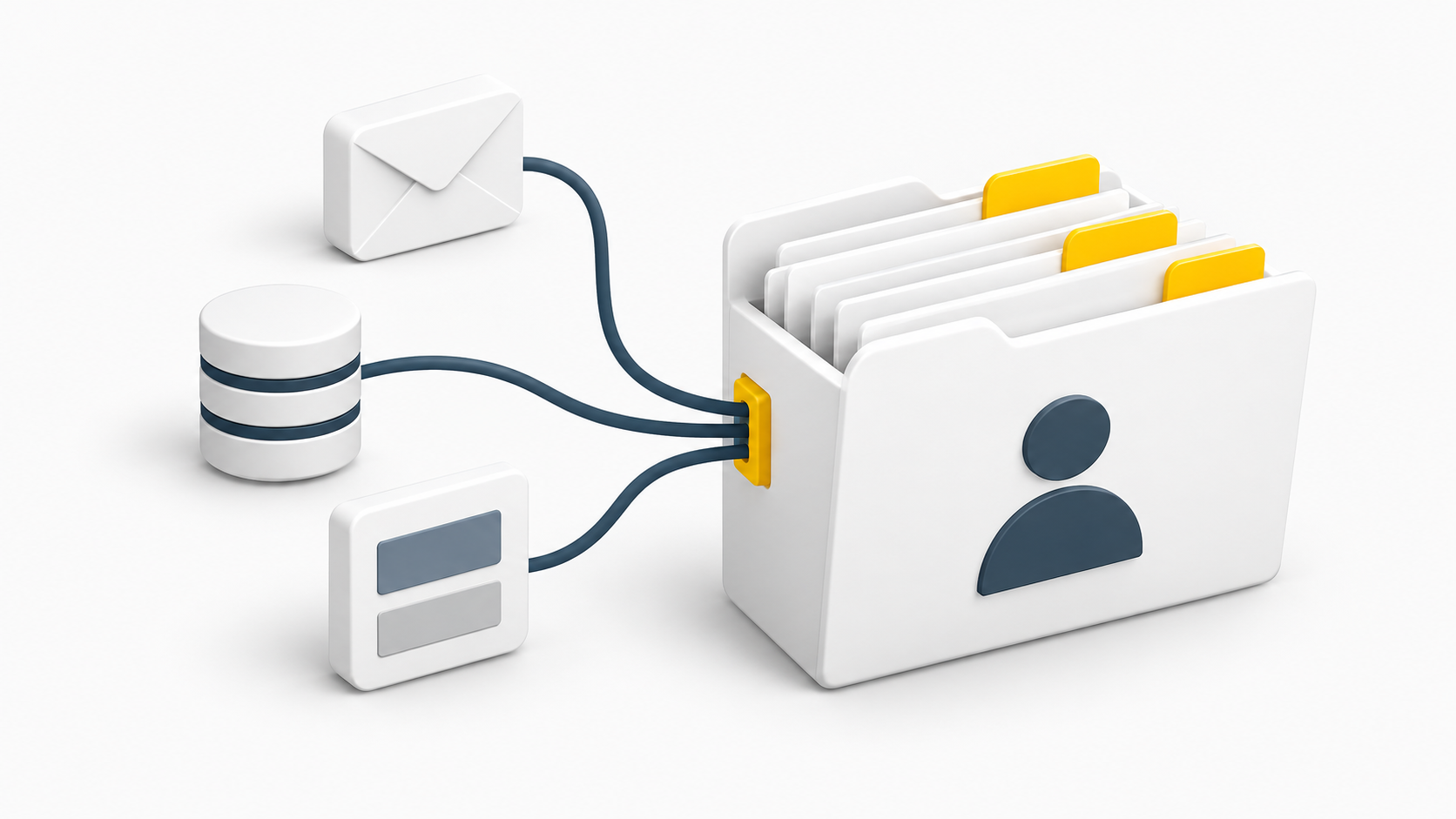
Data collection across known systems
Use integrations to retrieve information from relevant systems using validated identifiers. Route collection tasks to named owners where an integration is unavailable.
Record what was searched, the identifiers used and whether each collection completed successfully. Keep failures and partial results visible until someone resolves them.
The workflow also needs a way to add sources discovered during the request. A list of connected applications is a starting point for collection; the team should check whether other relevant repositories exist.
Reminders, deadlines and escalation
Automate task deadlines, reminders and escalation when an owner has not responded. Give reviewers time to assess the collected material before the external deadline approaches.
Under the EU GDPR, organisations must respond without undue delay and generally within one month of receiving a request. An extension of up to two further months may be available where necessary, taking account of the complexity and number of requests. The individual must be informed within the initial month, with reasons. See the EDPB’s guidance on handling rights requests.
Configure those rules carefully. A task being overdue should trigger escalation, while any decision to extend the response period needs its own justification.
Status visibility and response preparation
Bring outstanding tasks, collection results and review stages into one view. Assemble response drafts using approved templates and prepare material for secure delivery once the required checks are complete.
Useful status labels describe the actual stage of work: awaiting collection, collection failed, under review or ready for release. This helps the privacy team identify what is blocking progress and who needs to act.
Which decisions should remain human?
People should own decisions that depend on legal interpretation, uncertain facts or competing rights. Workflow rules can support these decisions by presenting the relevant evidence and routing them to an appropriate reviewer.
Ambiguous scope and identity concerns
When the request is unclear, someone needs to determine what clarification is necessary and how to proceed. Where identity or a representative’s authority is uncertain, the workflow should escalate the issue.
Verification should be proportionate. The EDPB’s right-of-access guidelines explain that additional identity information should reflect the circumstances and avoid excessive collection. Automatically demanding a passport from every requester can introduce unnecessary friction and additional personal data.
Exemptions and restrictions
Route proposed refusals, restrictions and exemptions to someone qualified to assess the applicable law and facts. Record the reasoning alongside the decision.
The EDPB explains that a person does not need to justify their access request. The possibility that they intend to use the information in a dispute does not, by itself, justify denying access. See EDPB Guidelines 01/2022, section 2.1.
A workflow can flag circumstances for review. Labels such as “employee dispute” should never silently determine the outcome.
Third-party information and redaction
A document can contain information about the requester and other people. Deciding what to disclose requires attention to context and the rights involved.
The EDPB’s guidance explains that protecting others’ rights requires a concrete assessment; it should not lead automatically to withholding all information.
Redaction tools can identify potential third-party information and prepare suggested changes. Reviewers should be able to inspect the source, adjust the proposed treatment and record the rationale.
Disclosure readiness
For cases involving uncertainty or sensitive material, establish a clear approval point before release. The reviewer needs access to unresolved issues, collection coverage and proposed exclusions.
Under EU GDPR access requirements, the response also includes information about the processing. A collection of exported files alone may leave the response incomplete. The EDPB’s summary of the right of access explains its main components.
These are recommended workflow boundaries. They do not mean that every routine technical step requires manual approval. The organisation should define which cases can follow approved rules and which need individual review, with a named owner accountable for those rules.
Where does AI fit in DSAR automation?
AI can help group documents, identify possible personal data, suggest redactions and prepare summaries for reviewers. Its usefulness depends on how well the team can check the output.
For example, a suggested redaction should remain linked to the underlying passage. A summary should help the reviewer navigate the material while preserving access to the original records.
Before introducing AI into a live workflow, test it against representative material. Include scanned documents, repeated names, mixed-person conversations and records in the languages the organisation handles.
Check both kinds of error: information that should have been protected but was missed, and information that should have been disclosed but was removed. Define the checks required before release and when uncertainty triggers additional review.
Use an approved environment with appropriate access, retention and provider controls. DSAR material can contain sensitive information about several people, so the review process itself needs careful handling.
A practical example: one request, several systems
Consider an illustrative request from a former employee whose information sits across HR software, a support platform, email and an internal application.
The workflow creates the case and assigns its owner. Once the relevant checks are complete, connected systems return exports. HR receives a task for records held outside those integrations. Reminders follow the agreed schedule.
The internal application fails to return a complete result. The case shows an unresolved collection issue, and engineering receives a task to investigate.
During review, a conversation contains information about the requester and two colleagues. An AI tool highlights possible redactions. The reviewer checks the context, adjusts the proposed changes and records the decision.
After the collection issue is resolved and the response is approved, the package is delivered securely. The case retains the search history, review decisions and delivery record under the organisation’s retention policy.
Automation has reduced chasing and repetitive preparation. The people responsible for the response still have the information and authority to make the necessary decisions.
How to introduce automation without weakening control
Choose a recurring request type and map its current path from receipt to response. Identify where people wait, repeat work or lose visibility.
For each step you automate, define the owner, expected result, evidence to retain and action to take if it fails. Test with realistic cases before expanding to more systems or request types.
Measure the effect through a small set of operational indicators:
- Time spent actively handling each request
- Time waiting for internal contributions
- Requests approaching or exceeding their deadline
- Failed or incomplete collections
- Responses requiring correction or additional disclosure
Periodically select a completed case and ask a colleague to reconstruct it from the record. If they cannot understand the scope, searches and decisions, improve the evidence captured by the workflow.
Keep that evidence proportionate. Restrict access and apply retention rules to case records and collected material.
Building scalable DSAR workflows with TrustWorks
TrustWorks’ DSR capabilities bring request intake and status visibility together, with integrations for third-party and internal systems. Configurable workflows support routing, approvals and coordination across teams.
That provides a foundation for progressively automating the work around a response. Teams can start with repeatable collection and coordination steps, then expand as their processes and integrations mature.
The outcome to aim for is practical: less time chasing contributions, earlier visibility into problems and more capacity for the decisions that need privacy expertise.